No-snow-throwing signs
No-Snow-Throwing Sign YOLOX-Tiny
An object detection model that finds the no-snow-throwing signs used in expressway winter maintenance. These signs mark the start and end of stretches where a road or structure passes below the shoulder, so snowplows must not throw snow. It is designed for forward video from a phone in the vehicle.
Tested on footage not used in training
The published ONNX model, run as-is on every frame of expressway footage used in neither training nor evaluation (shot on iPhone 13, 1920 × 1080, about 60 fps). Boxes and numbers are the model's output; numbers are scores (confidence, 0 to 1).
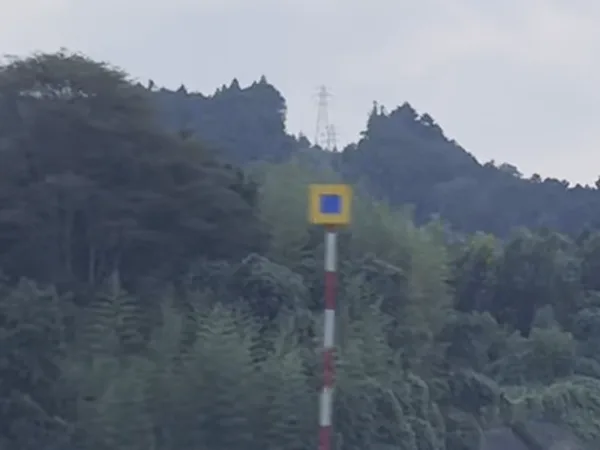
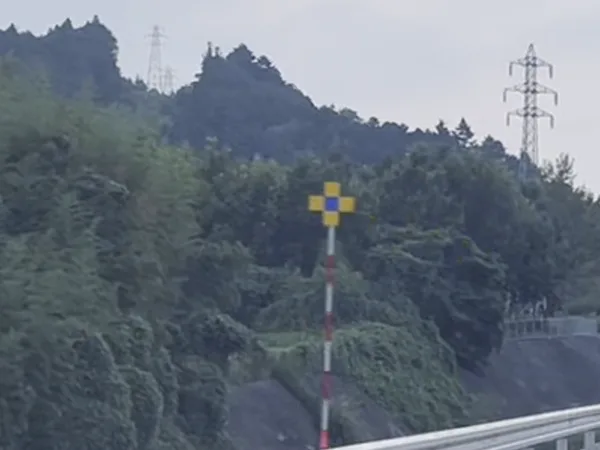
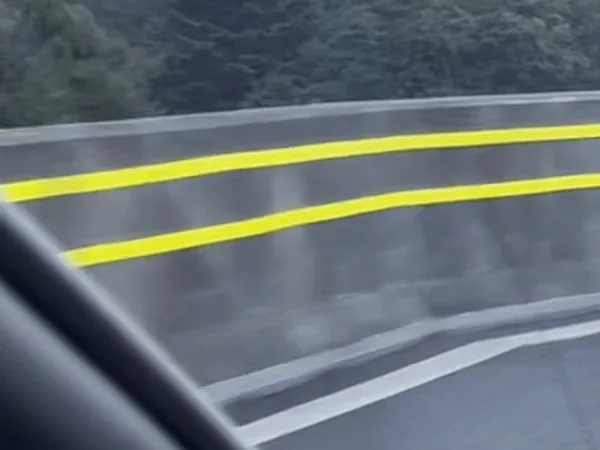
Detecting on approach
Approaching the same end sign. While it is far, the distant crop finds it; once it grows beyond the crop, the scaled-down full frame takes over.
-
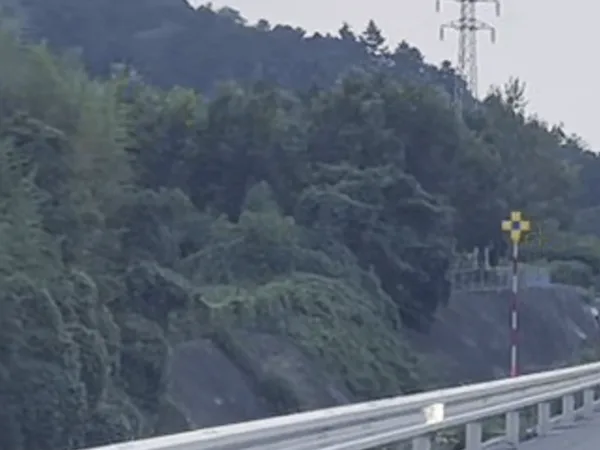
0.0 s
Detected in the distant crop
-
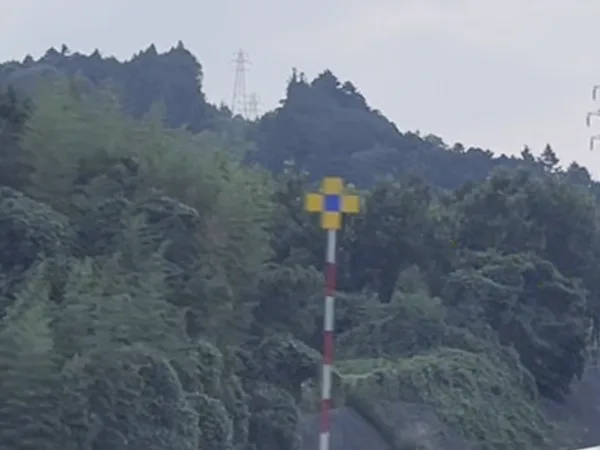
1.6 s
Detected in both the crop and the full frame
-
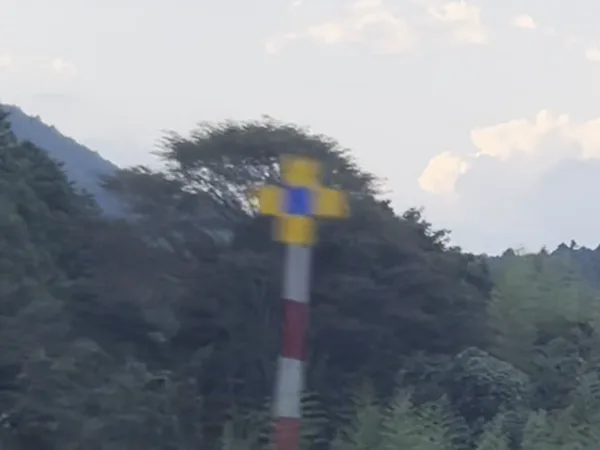
2.2 s
Detected in the scaled-down full frame
This footage has no ground-truth boxes (annotation), so performance was not measured. Images are cropped around the signs to leave out guide signs and other vehicles.
Each frame is processed two ways
- 1
Scale frames to 4K
The footage is 1920 × 1080. Each frame is doubled in size so signs appear at the same scale as in training.
- 2
Distant crop
The area of road ahead where signs appear small is cropped unscaled at 1280 × 736 and fed to the model, so small distant signs are not missed.
- 3
Scaled-down full frame
For signs that grow beyond the crop as the vehicle gets close, the full frame scaled to one third is fed to the same model. Performance in this mode has not been measured.
- 4
Filter candidates
The model returns 200 candidates per run. Only those above the threshold are kept, and duplicates are merged (NMS). The threshold here is 0.3, as in the evaluation.
Input and output
- Detects
- Two classes: start and end signs.
- Base model
- The YOLOX-Tiny architecture, built in PyTorch and trained from scratch with no pretrained weights.
- Input
- A 1280 × 736 pixel color image. In training, this area was cropped unscaled from 4K (3840 × 2160) frames.
- Output
- 200 candidates per image, with positions (pixel coordinates) and scores (confidence, 0 to 1) for three classes: start, end and a spare. The spare class is not trained in this version and is unused. Duplicate suppression (NMS) is left to the caller.
- Formats
- PyTorch, ONNX, CoreML
- Threshold
- Set by the caller. The evaluation used 0.3 for both start and end. Lower it for fewer misses, raise it for fewer false positives.
- License
- Apache-2.0
Evaluation
| Item | Test (57 images) |
|---|---|
| Start signs detected correctly | 12 / 18 |
| End signs detected correctly | 17 / 21 |
| Start/end mix-ups | 0 |
| False positives (other objects taken for signs) | 4 |
Only signs inside the distant crop were counted. The test images have been used for checks many times, so the model will be re-measured on newly captured images.
Notes on use
- It detects no-snow-throwing signs only.
- Almost no night footage was used in training. Night, rain and snow have not been tested.
- Do not decide whether snow can be thrown on this model's output alone.
Start by describing your situation
Whether it is a MICHIKARTE trial or an AI app, your plans do not need to be final. Describe the photos or video you have and what you are struggling with, and you will get an email reply on what can and cannot be done. The contact form is in Japanese, but you are welcome to write in English.