01
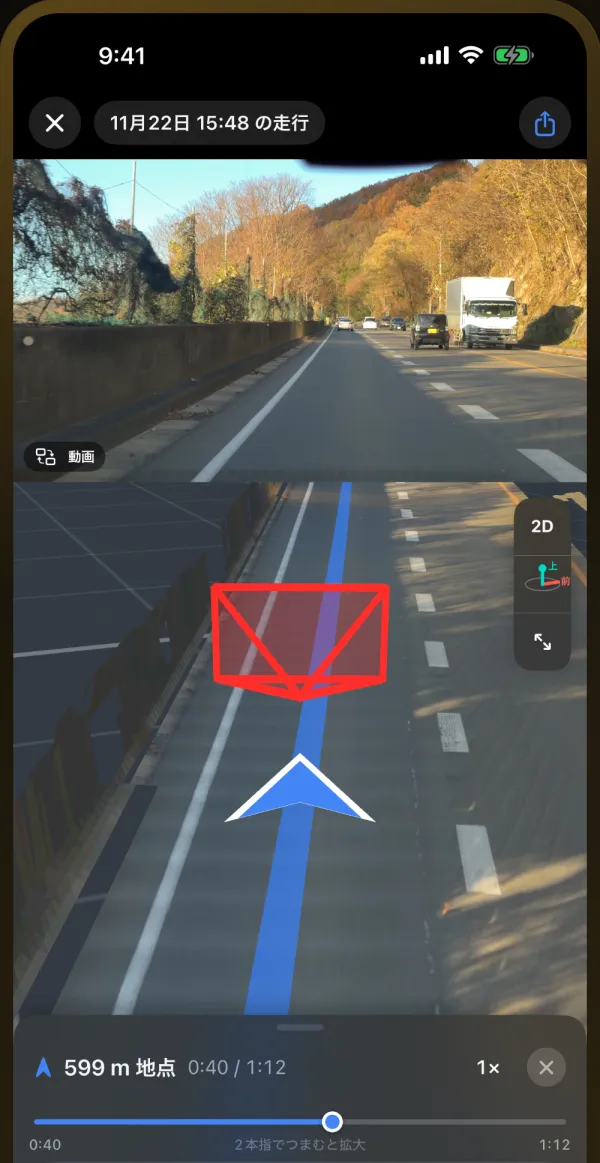
Video and 3D in sync
The video and the 3D model play side by side at the same spot, viewed from a map, from above the car, or from the dashcam angle.

Turns a video of your drive into a 3D model of the road, entirely on your iPhone.
Coming soon to the App Store
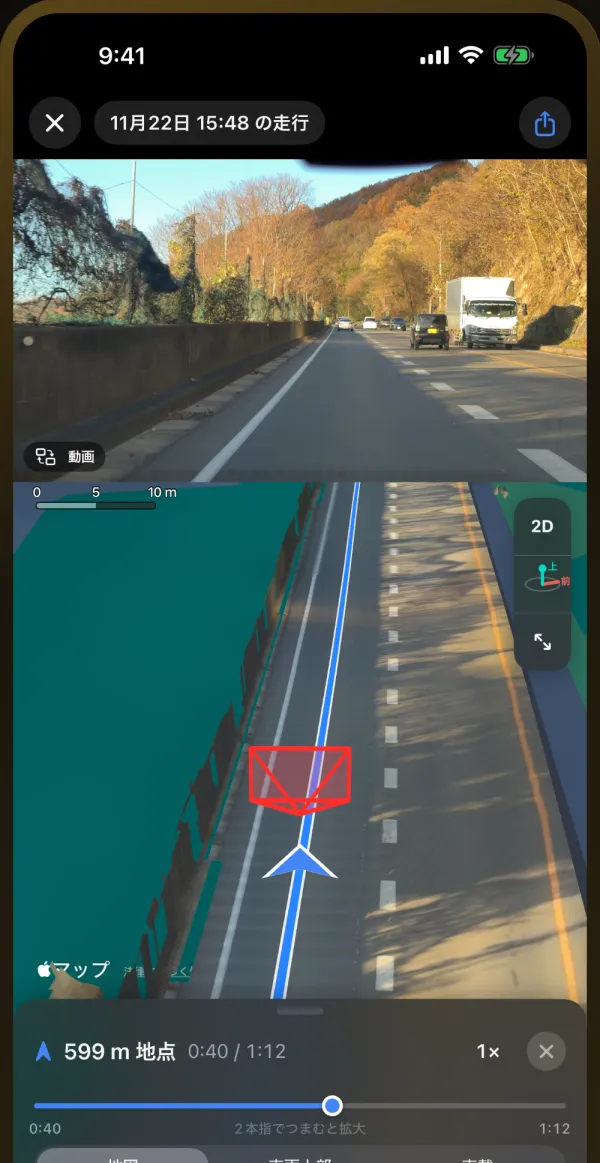
For recording road inspections and checking the 3D shape of the roads you drove.
The video and the 3D model play side by side at the same spot, viewed from a map, from above the car, or from the dashcam angle.
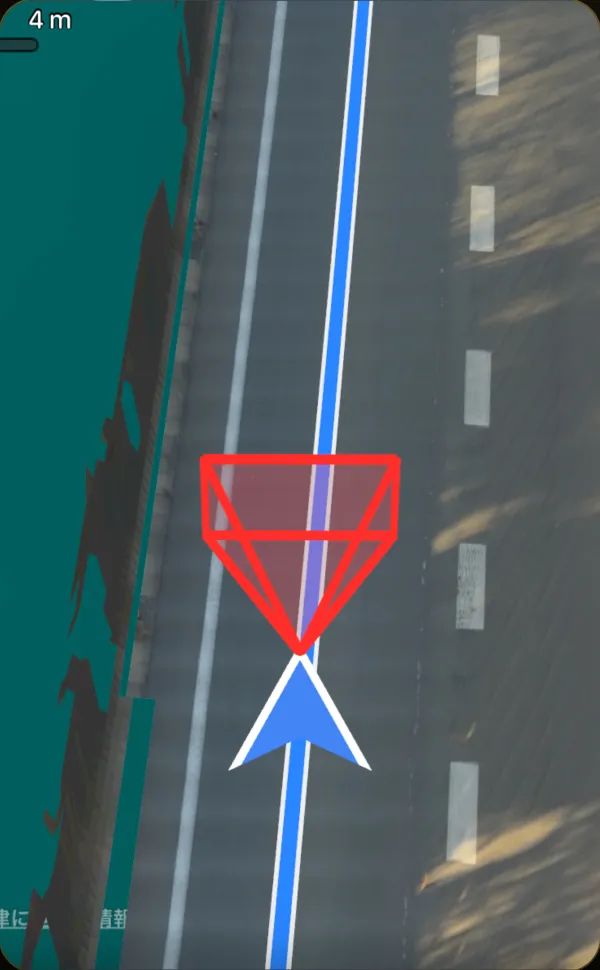
A top-down image of the pavement at 2 cm per pixel shows where cracks and damage are, how large they are, and where lane markings have faded. The image can also be used to calculate the cracking ratio.
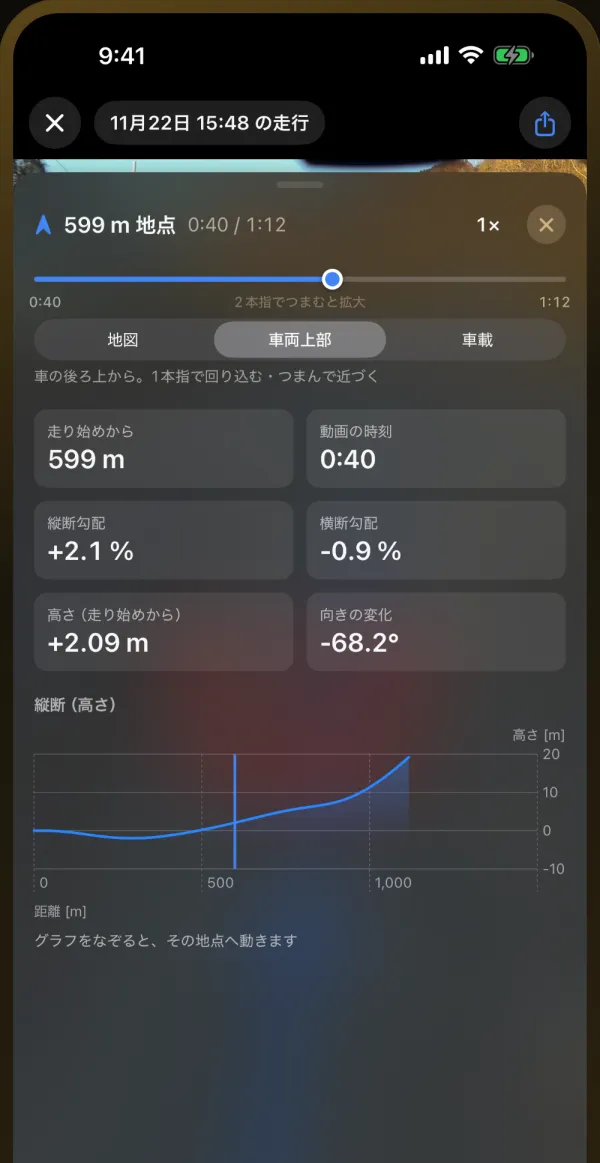
Longitudinal grade, cross slope, elevation and heading change at each point, plus a longitudinal profile graph.
Pick one forward-facing drive video shot on iPhone from the Photos app.
When you record in the app, acceleration (100 Hz) and location are saved along with the video.
3D models are saved as USDZ and can be shared by AirDrop and more.
The app makes no network connections and needs no account. No data is collected.